


Spotify Pixel + Spotify Conversions API in Feature.fm

Build audiences and track conversions directly in Spotify Ads
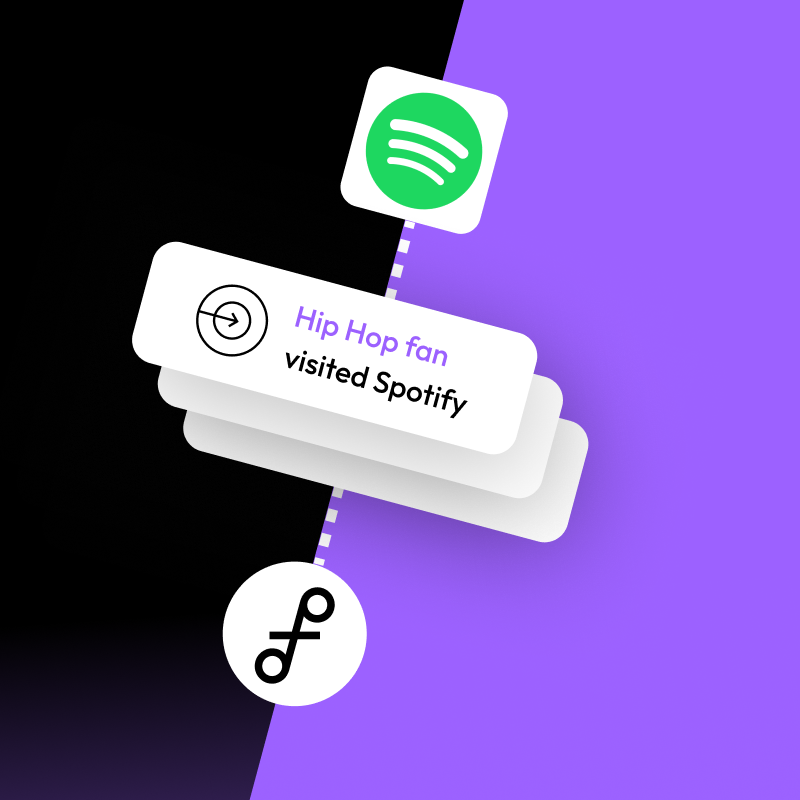
We’re excited to announce that Feature.fm now supports the Spotify Pixel and Spotify Conversions API, giving artists, labels, and marketers new ways to improve targeting, build custom audiences, and measure fan conversions directly inside Spotify Ads Manager.
Just like the Meta Pixel and TikTok Pixel, this integration lets you send conversion events from your Feature.fm landing pages to Spotify to use that data to power smarter advertising campaigns.
Turn Fan Activity Into Better Spotify Ad Targeting
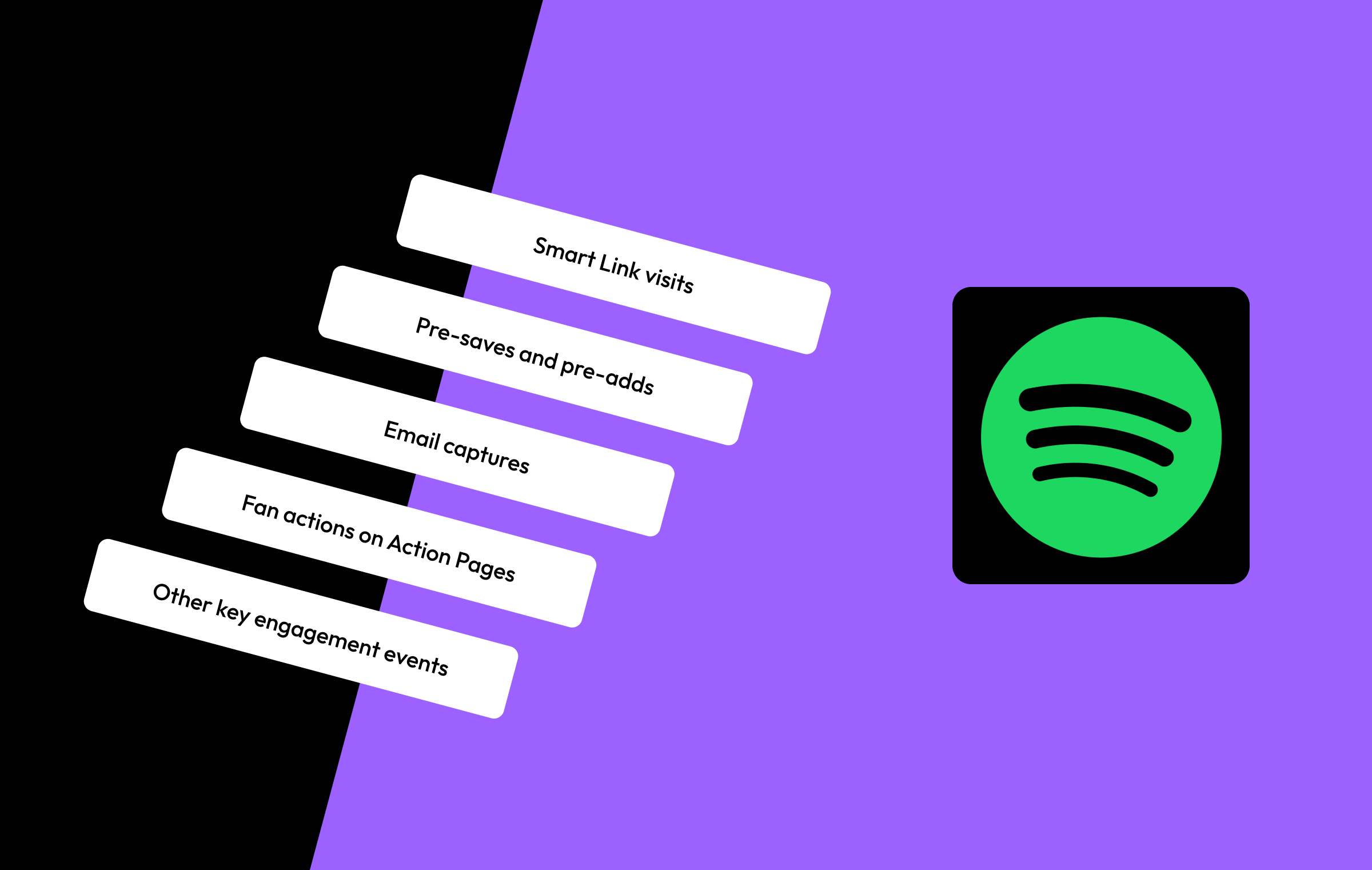
Every day, fans interact with your Feature.fm campaigns by:
- Visiting Smart Links
- Pre-saving releases
- Clicking through to Spotify
- Joining email lists
- Engaging with Action Pages
- Click to buy tickets to your tour
- Taking other high-intent actions
Now, those fan actions can help power your Spotify advertising strategy.
By connecting the Spotify Pixel and Spotify Conversions API to Feature.fm, you can send conversion events directly to Spotify Ads Manager and use that data to build more effective audiences or even measure Feature.fm events as your conversion events for Spotify ads when driving traffic off platform to something like a Tour Link.
Create Custom Audiences Inside Spotify
One of the most powerful parts of this integration is the ability to create custom audiences directly within Spotify Ads Manager based off your Feature.fm data.
This allows you to retarget fans who have already interacted with your campaigns on Feature.fm.
For example, build audiences of fans who:
- Visited a Smart Link
- Pre-saved your release
- Clicked through to Spotify (Or other service)
- Engaged with a specific campaign
- Took meaningful actions on your landing pages
Instead of targeting broad listener groups, you can focus your ads on fans who have already shown interest in your music or even create lookalike audiences to reach new fans that are similar to your existing fan base.
Find New Fans With Lookalike Audiences
Once you’ve built custom audiences, Spotify also allows you to create lookalike audiences based on those fans.
Spotify can analyze your engaged audience and help you reach new listeners with similar behaviors, interests, and listening patterns.
For example, you can create lookalike audiences based on fans who:
- Pre-save your releases
- Frequently engage with your campaigns
- Click through to streaming services
- Convert at high rates
This helps expand your reach beyond your existing audience while still targeting listeners likely to engage with your music.
Better Signals for Better Campaign Performance
Sending conversion events to Spotify helps improve how your campaigns are measured and optimized.
Benefits include:
Smarter Retargeting
Reconnect with fans who already engaged with your music and campaigns.
Better Audience Building
Create highly targeted custom audiences based on real fan behavior.
Improved Audience Expansion
Use lookalike audiences to discover new listeners similar to your existing fans.
More Meaningful Campaign Insights
Understand which campaigns and fan actions are driving results.
Simple Setup Inside Feature.fm
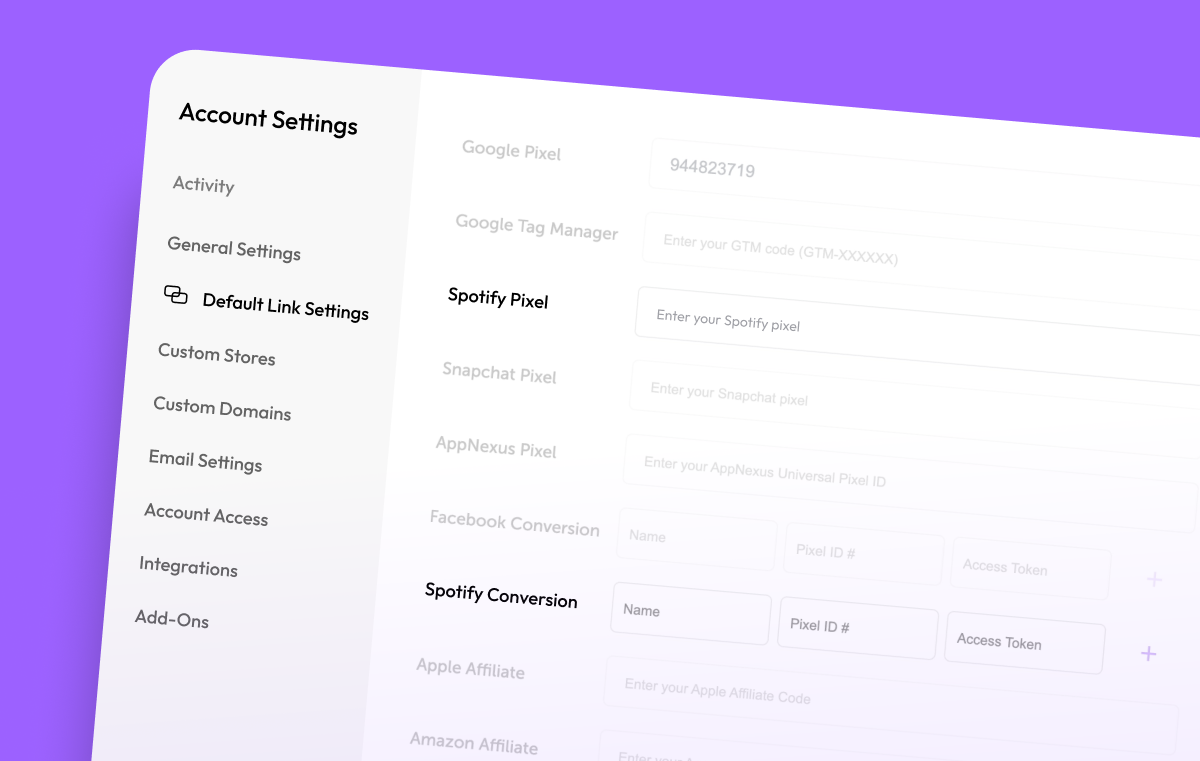
Connecting the Spotify Pixel and Spotify Conversions API is quick and easy.
- Log in to your Feature.fm account
- Navigate to Settings → Default Link Settings
- Locate the Spotify Pixel and Spotify Conversions section
- Add your Spotify Pixel ID and API credentials
- Save your changes
Once connected, Feature.fm will begin sending eligible conversion events to Spotify automatically.
Start Building Smarter Spotify Ad Campaigns
With the Spotify Pixel and Spotify Conversions API support, you can now turn your Feature.fm fan engagement data into smarter Spotify advertising campaigns.
Whether you’re promoting a new release, retargeting engaged fans, or trying to find entirely new listeners, the Spotify Pixel and Spotify Conversions API gives you more powerful audience tools directly inside Spotify Ads Manager.
Spotify Resources:
- Spotify Pixel: Powerful Ad Tracking
- About the Spotify Pixel
- Spotify Conversions API
- Creating a Spotify Pixel
- About Custom Audiences
- Create Lookalike Audiences
SPOTIFY PIXEL & CONVERSIONS API
Start Tracking Spotify Conversions Today
Adding the Spotify Pixel and Conversions API is one of the easiest ways to improve your Spotify Ads campaign performance.