
The Best ToneDen Alternative: How to Move Your Links Before ToneDen Shuts Down
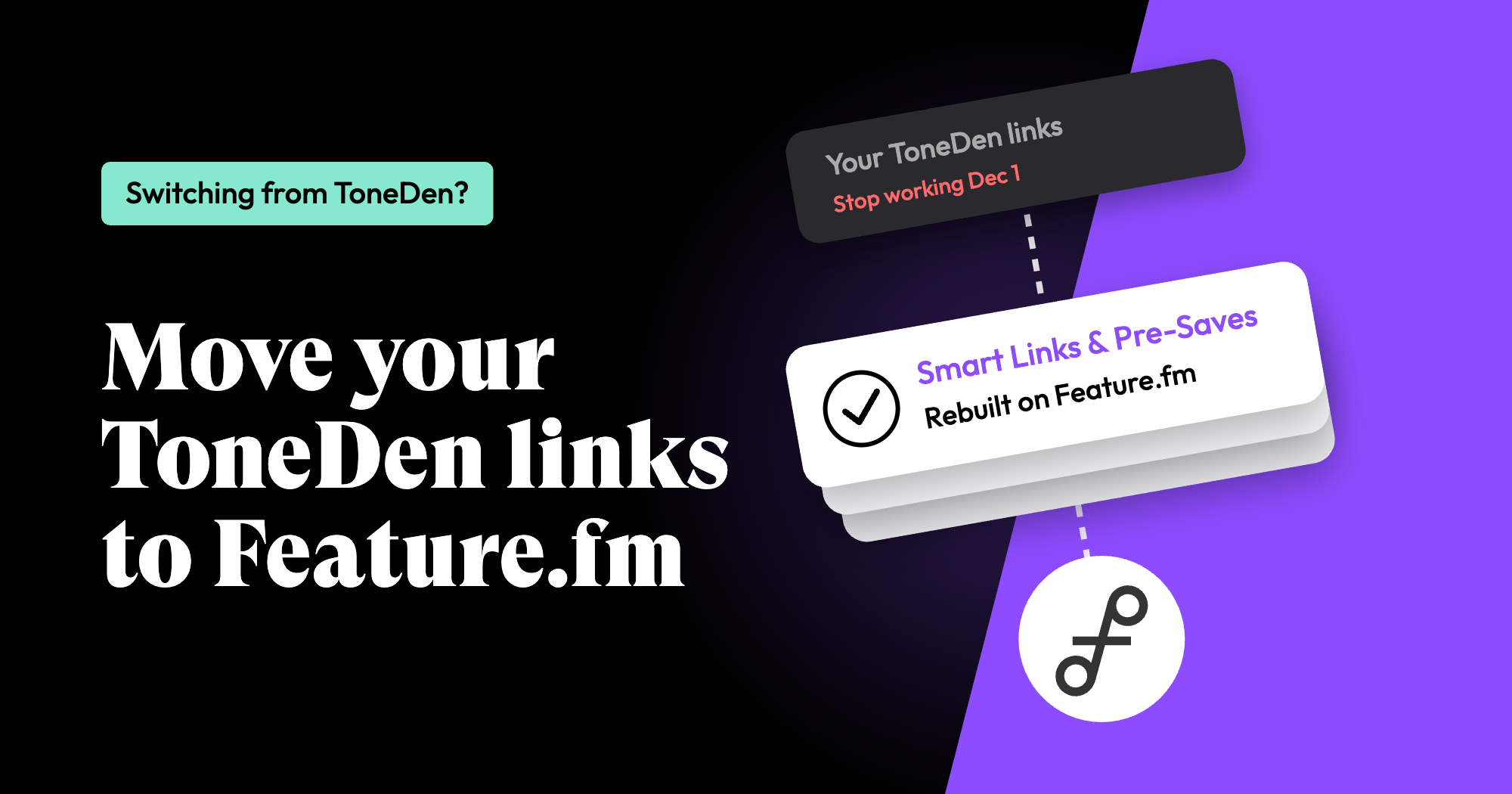
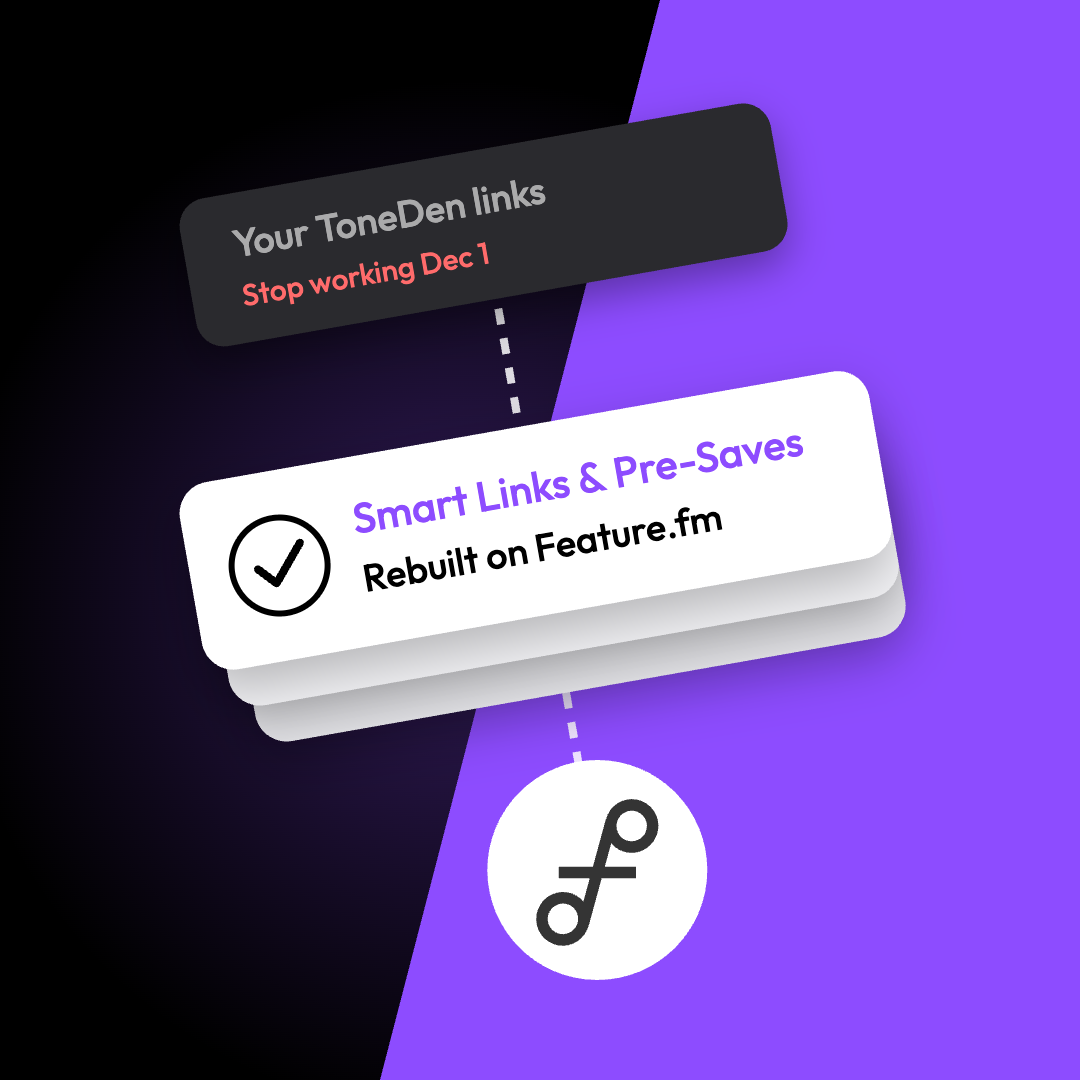
ToneDen has announced that its standalone platform at toneden.io is shutting down on December 1, 2026. For many artists, managers and labels, ToneDen is where their smart links, pre-saves and bio links live. If that includes you, you have less than four weeks to move.
This guide covers what stops working, what to save before the deadline, and how to move everything to Feature.fm. That includes your custom domain, so the links you have already shared can keep working after ToneDen goes offline.
What happens on December 1
According to ToneDen's shutdown FAQ:
- All ToneDen smart links stop working. This includes FanLinks, pre-save links, TourLinks, EventLinks, PodLinks, StreamLinks, BigLinks, GiveLinks and links on custom domains.
- Pre-saves for releases after December 1 won't work. If you have a release coming up, switch it now.
- Social unlocks and contests stop. Any contest that ends after December 1 should be ended early, with winners picked beforehand.
- Ad automation stops, but your ads keep spending. Campaigns stay live in Meta Ads Manager or Google Ads unless you pause them or set an end date.
- Zapier and API access end, and account data is permanently deleted.
Using ToneDen through Eventbrite? Eventbrite-connected accounts are not affected and stay available at eb.toneden.io.
Why Feature.fm is the best ToneDen alternative
Feature.fm is built for artists and their teams, from independent artists to managers and labels running dozens of releases. Here's what you get when you switch:
- Smart Links that send every fan to your music fast in their preferred streaming service, wherever they are in the world.
- Pre-Saves that send fans a notification on release day, capture fan emails and follows, and support both local and global release timing.
- Bio Links for every social profile.
- Custom domains, so the links you share live on a domain you own.
- Ad tracking that works: the Meta pixel, the TikTok Events API, and the Spotify Pixel with the Spotify Conversions API.
- Your fan data: email capture on your links, a fan CRM to segment your audience, and syncs to Mailchimp, Klaviyo and other email providers.
- Tools for teams managing many artists and releases, including The Control Room.
Before anything else: save your data by November 30
November 30 is the last day to get a copy of your ToneDen data. Do these first:
- Download your data export. In your ToneDen account, go to Advanced Settings and click Data Export. You'll get a JSON file with everything you've created, including your links, campaigns and the fan contact information collected through your smart links, pre-saves, social unlocks and contests. Save it somewhere safe: after November 30 it's gone for good.
- Pick your priority links. Your data export already includes the links you've created, so there's no need to copy them out by hand. Just note the links that matter most right now: your current single or upcoming pre-save, any link running in an active ad, your bio link, and anything printed on a QR code or merch. Those are the ones to rebuild first. Have a big catalog of links to move? Reach out to our team at support@feature.fm and we'll help.
- Save any reports you need. ToneDen dashboards disappear on December 1. Your ad performance history stays in Meta and Google.
- Review your ad campaigns. Pause them or set end dates, including Playbook campaigns like Spotify Growth and Instagram Growth. Your Meta pixels and datasets belong to your Meta Business account, so they aren't affected.
Step 1: Set up your Feature.fm account
Create your Feature.fm account, then connect the pixels you already use. Because your Meta pixel lives in your own Meta Business account, you can add it to Feature.fm and keep retargeting the same audiences. Feature.fm also supports the TikTok Events API and the Spotify Pixel with the Spotify Conversions API.
Step 2: Move your custom domain from ToneDen to Feature.fm
If you used a custom domain on ToneDen, move it before you create any links. Your custom domain belongs to you, not ToneDen. Once it points to Feature.fm, you can create each new link with the exact same URL it had on ToneDen, so every link you've already shared in bios, emails, ads and printed QR codes keeps working after December 1.
For example, if fans already have music.yourartist.com/newsingle, connect music.yourartist.com to Feature.fm first, then recreate that link with newsingle as its URL text.
One tip for ToneDen users: at your domain registrar, edit the existing record that points to ToneDen (often a CNAME pointing to fanlink.tv) instead of adding a second record for the same name. Two records for the same name will conflict.
For the full setup, follow our step-by-step custom domain guide or watch the video below.
Plan for some downtime: once you point your domain to Feature.fm, the ToneDen links on that domain stop loading. DNS changes can take a few hours to update before your domain verifies in Feature.fm, so expect the links on that domain to be down for a while during the switch. To keep it short, have your data export and priority links ready before you update DNS, then rebuild your most important links in Step 3 as soon as the domain verifies. Pick a quiet time rather than a release day, and do it before December 1 so you're not racing the shutdown.
Custom domains are available on Feature.fm's Artist, Pro Artist, Marketer and Pro Marketer plans. No custom domain on ToneDen? Skip to Step 3.
Step 3: Recreate your links in Feature.fm
Here's where your ToneDen links land in Feature.fm:
- FanLinks and StreamLinks become Smart Links. Paste a link to your release and Feature.fm builds a landing page that sends every fan to the music fast in their preferred streaming service, wherever they are in the world.
- Pre-save links become Pre-Saves. Feature.fm Pre-Saves send fans a notification on release day, capture fan emails and follows, and support both local release timing (midnight in each time zone) and global releases.
- BigLinks become Bio Links, your one link for every social profile.
If you moved your custom domain in Step 2, create each link on that domain and use the same URL text it had on ToneDen. You'll find each link in your data export. Then open a few of your old URLs to confirm they now land on your Feature.fm pages.
Start with your priority links, then work through the rest.
Step 4: Replace your fanlink.tv links
Links on ToneDen's own domains, like yourartist.fanlink.tv/release, belong to ToneDen. There won't be a redirect after December 1, so anything printed or embedded with those URLs simply stops working. Each one needs to be swapped for your new Feature.fm link. Check:
- Social bios (Instagram, TikTok, X, YouTube, Facebook)
- Your website and link pages
- Email signatures, newsletters and automated email flows
- Active ads in Meta and Google
- YouTube and podcast descriptions
- Printed QR codes, posters and merch
While you're at it, consider setting up a custom domain for your new links. Branded links like music.yourartist.com look more trustworthy to fans than a generic short link, keep your brand front and center everywhere you share, and let you use custom conversion events in your Meta ads.
Step 5: Keep growing your fan list
The fan contacts in your ToneDen export are yours to keep, and you're responsible for them under privacy laws. Going forward, Feature.fm helps you keep building that list: add an email subscription widget to your Smart Links, capture emails with every Pre-Save, and use Feature.fm's fan CRM to segment your audience. You can also sync your Feature.fm fans to Mailchimp, Klaviyo and other email providers.
Your ToneDen checklist
- Download your ToneDen data export from Advanced Settings (by November 30)
- Pick your priority links to rebuild first
- Save reports and pause or set end dates on ad campaigns
- End any contests that run past December 1
- Create your Feature.fm account and connect your pixels
- Point your custom domain to Feature.fm and verify it
- Recreate your Smart Links, Pre-Saves and Bio Links (on your custom domain if you have one)
- Swap any remaining links in bios, emails, ads and QR codes
Need a hand moving over?
Our team is here to help you move your links and domain. Reach out to support@feature.fm or visit the Feature.fm Help Center.